
Hacking an OS/2 2.1 Floppy Set or CDROM Into a Bootable CDROM Media / ISO Image
(Once the video player has started, right selecting (or 'clicking') your device (or 'mouse') will show menu option, 'Open video in new tab', which will enable larger screen size. Alternatively, the video with larger screen size is shown in the Calli collection front page)
Although IBM OS/2 3.x Warp and higher indigitalizations have been hacked into bootable CDROM media / ISO images, I believe this is the first OS/2 2.x which has been morphed into such an unique entity. The procedure was not easy -- and obviously not intuitive. The work required to make the cdboot hack complete the first phase of the OS/2 2.1 installation was substantial; and once I achieved it I thought that whatever else needed to be done would be easier. I was mistaken. I had to compile an utility to search for and replace strings in the OS/2 2.1 CONFIG.SYS file at the end of the first phase of the OS/2 installation. Fact is, I could not find an appropriate binary one which executed under OS/2 2.1x in my extensive local collection of Hobbes CDROM media, etc., nor online at Hobbes site  sun set and/or elsewhere.
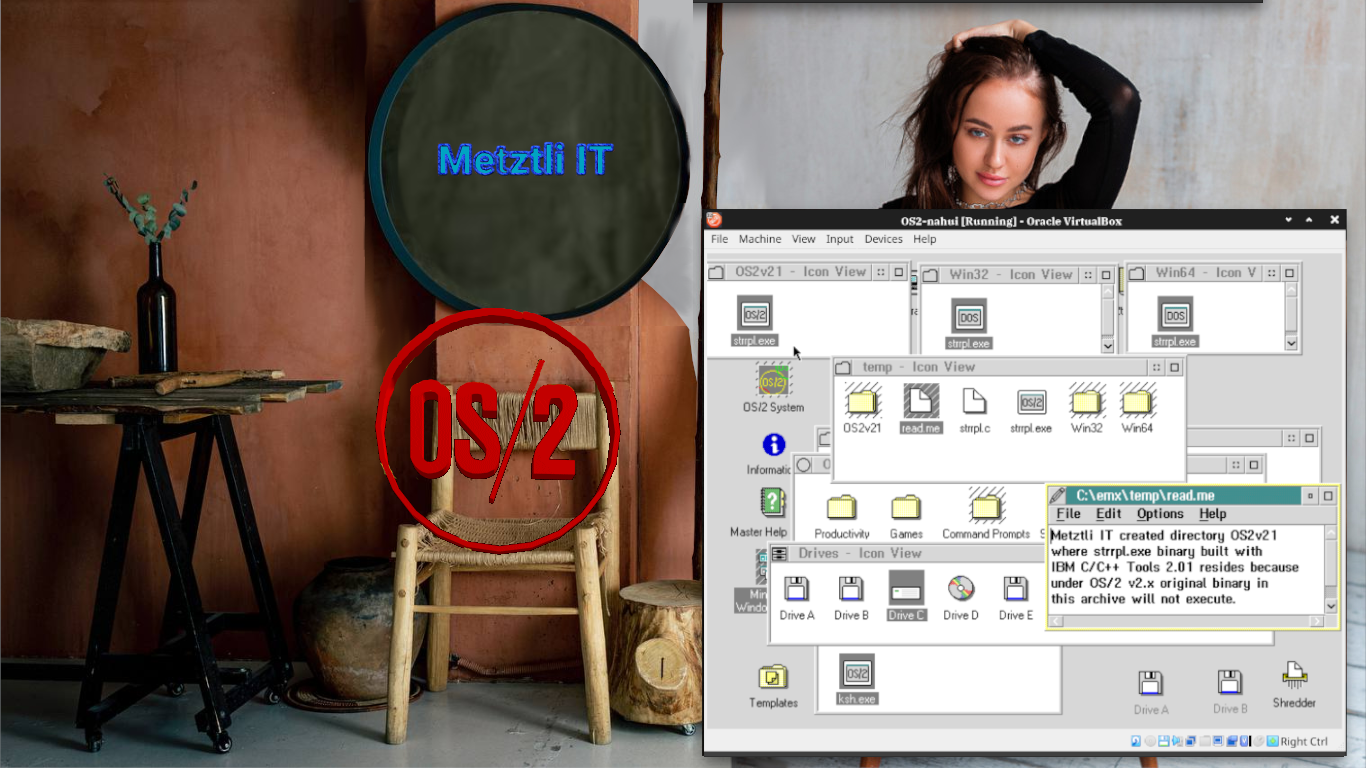
At the time I used the IBM C/C++ Tools 2.01:
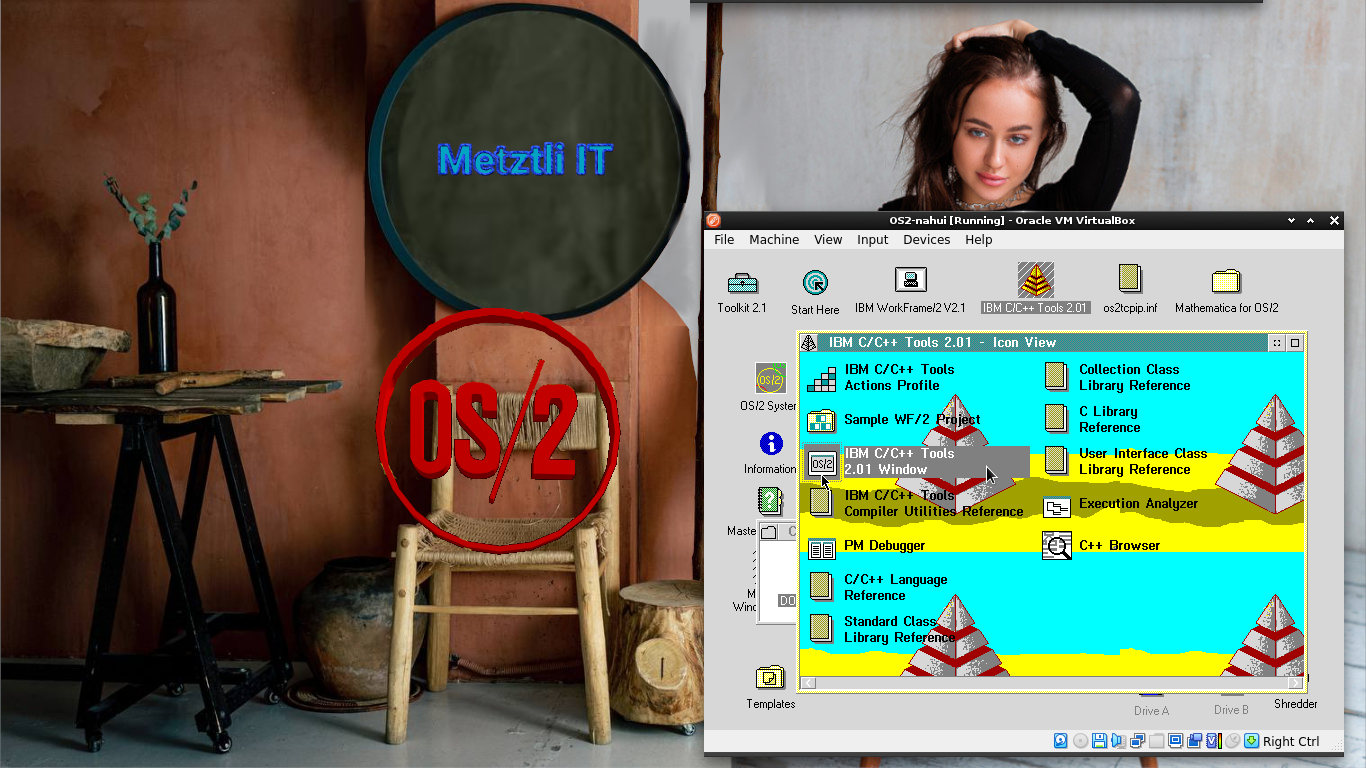
to build the STRRPL.EXE utility which source code was freely available:
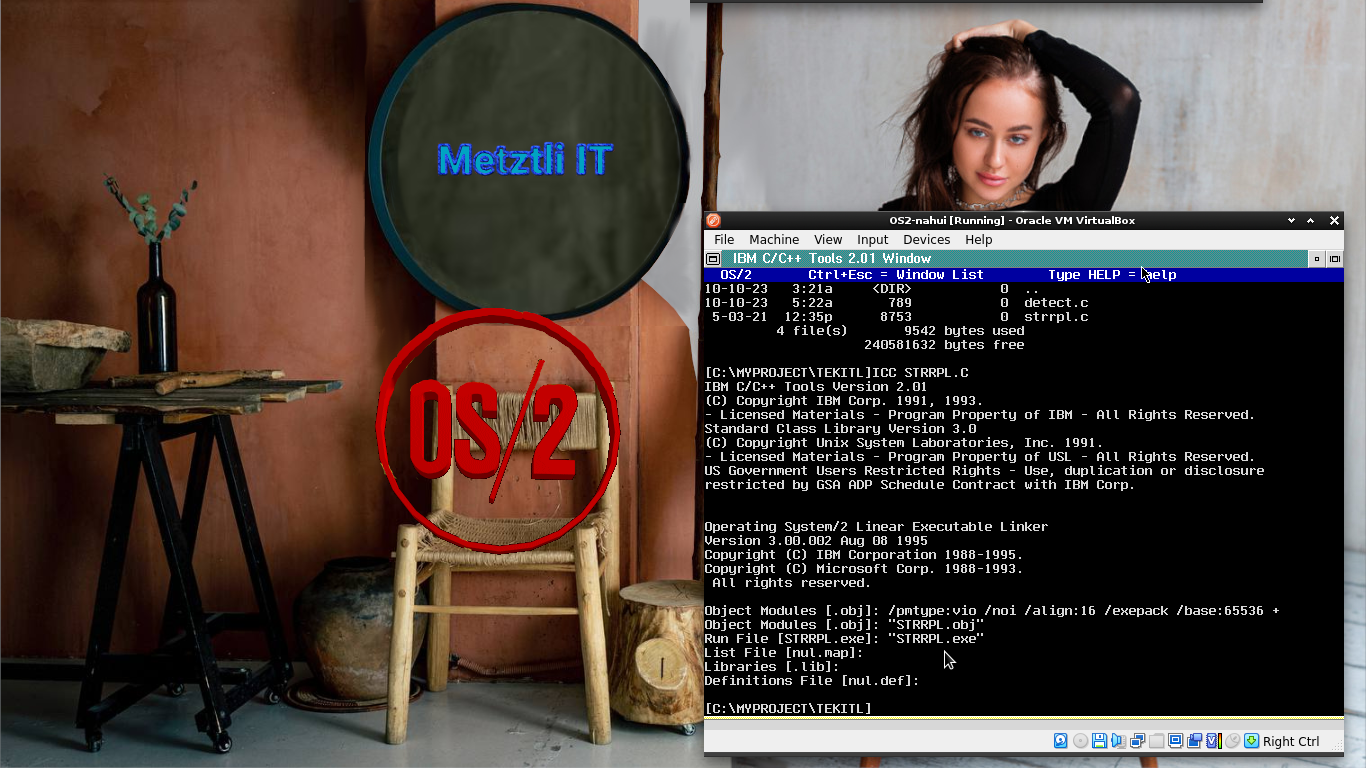
Unlike prebuilt STRRPL.EXE binary from strrpl_0-84r2.zip available from Hobbes static archive, and elsewhere,
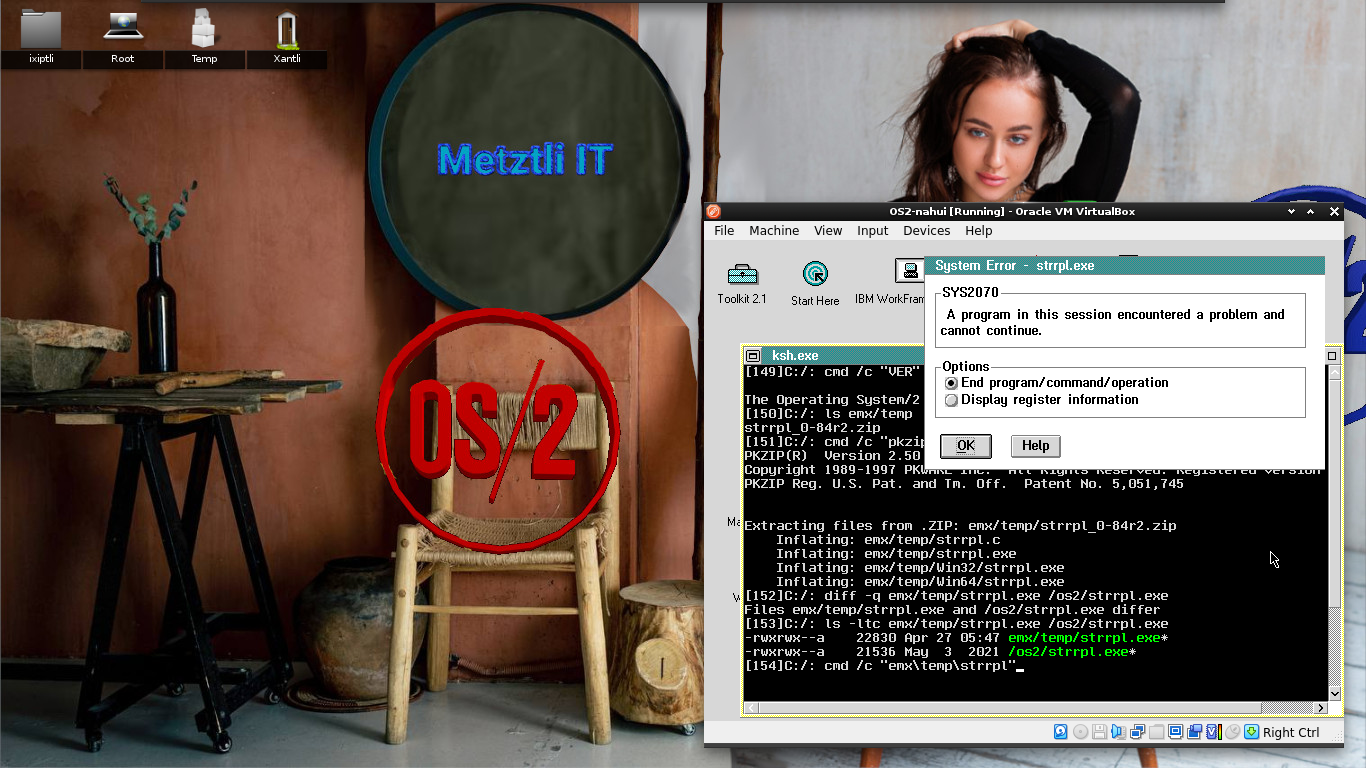
my build of STRRPL.EXE with IBM C/C++ Tools 2.01 actually executed under OS/2 2.1x:
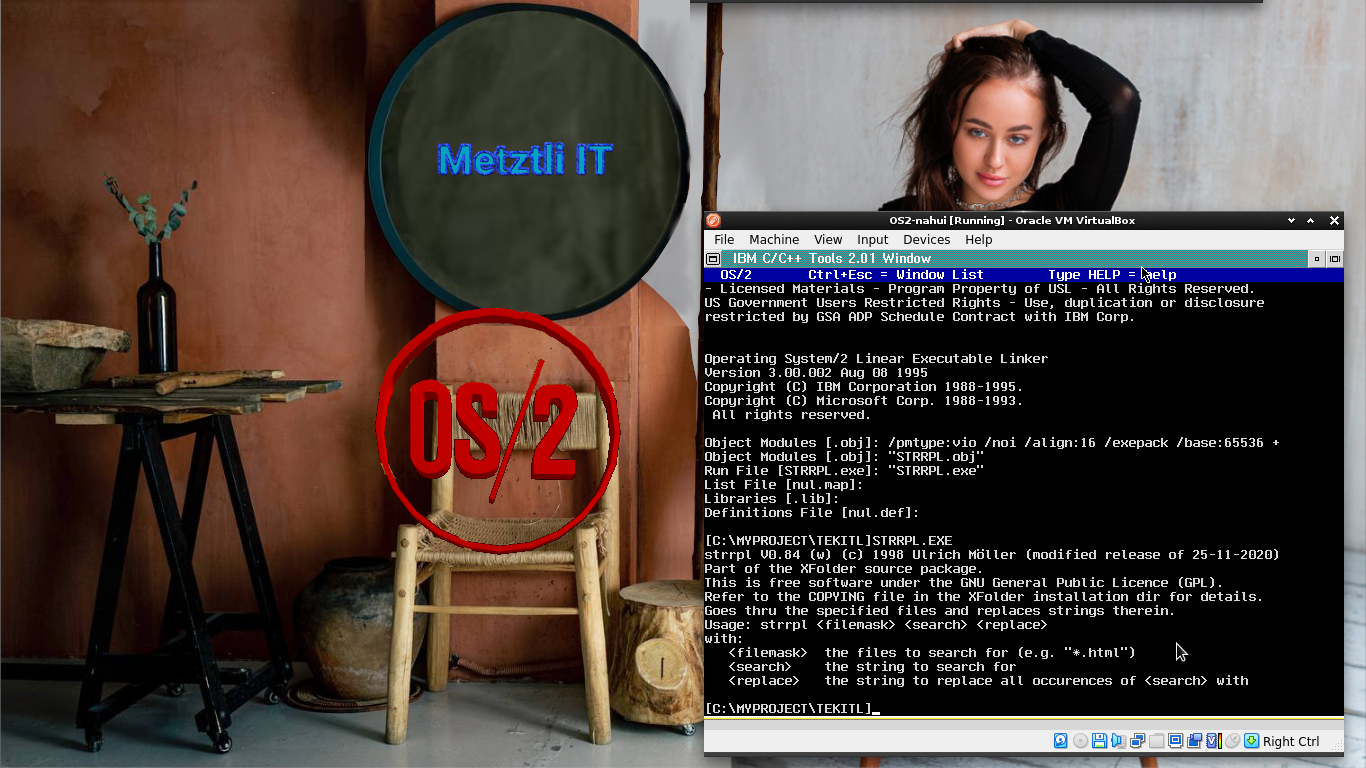
Accordingly, I repackaged the original strrpl_0-84r2.zip as strrpl_0-84r2m.zip and under OS2v21/ directory included the binary executable strrpl.exe which does function properly under OS/2 v2.x
Had IBM released the OS/2 code as free and/or open source software (FOSS) instead of being so indifferent to the multiple petitions to do so (for instance those in which I personally took part at the OS2World site before I left the site for good -- as I had moved on to GNU/Linux Debian) the avaricious plutocrat Bill Gates' mediocre 'creation', backdoored software, idiotically named as a mundane household notion, 'windows,' would not have spread like the virus it emulates.
Generating an OS/2 2.1x bootable CD under GNU/Linux Debian -based Metztli Reiser4:
Shell
genisoimage -r -b boot/boot.img -c boot/boot.catalog -o os2bootcd.iso . |
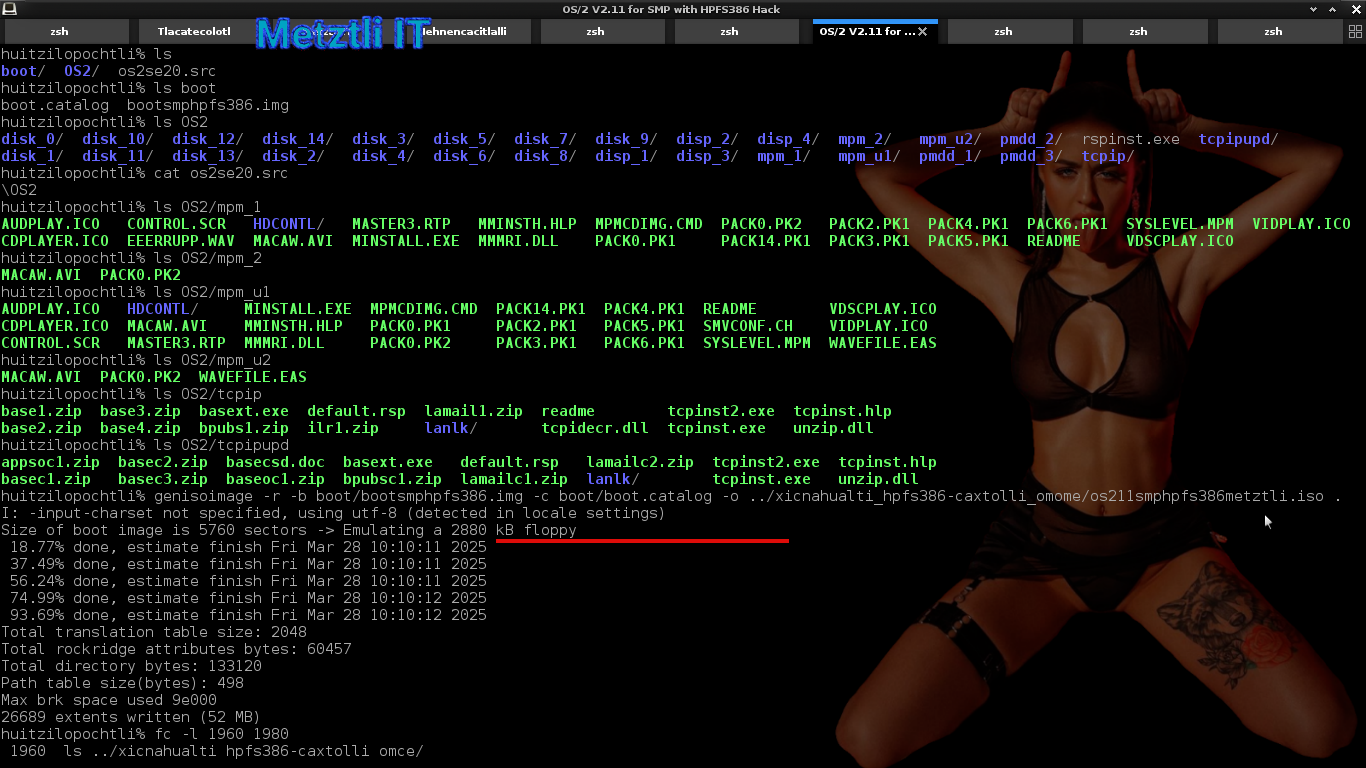
Ensuing snapshot is an specific example of the above command under my Metztli Reiser4 Debian environment, where my two(2)-floppy boot.img is custom-renamed as bootsmphpfs386.img and os2bootcd.iso is written to another directory -- relative to our current position in the shell -- and custom renamed, too:
../xicnahualti_hpfs386-caxtolli_omome/os211smphpfs386metztli.iso
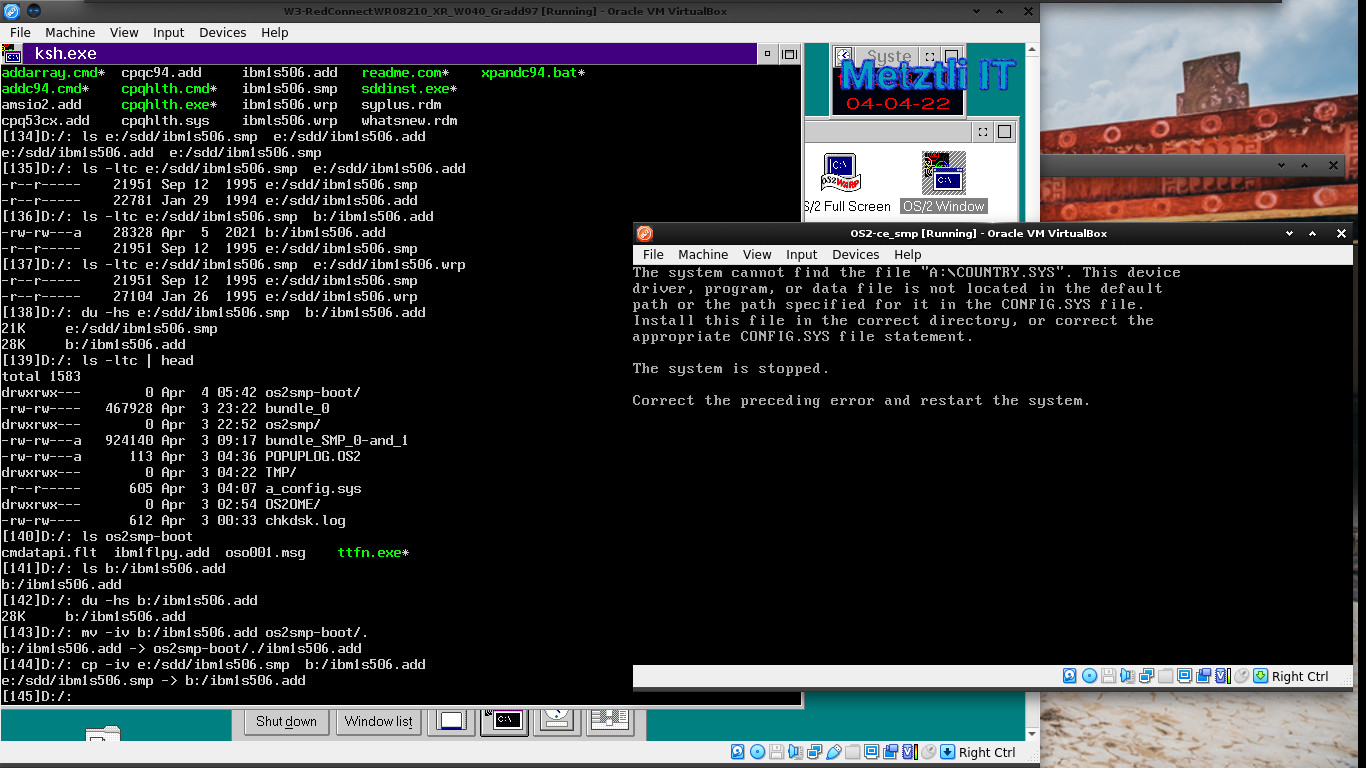
Generally speaking, even if your bootable two(2) disk image is successfully created, if it can not make the transition to the OS/2 disks layout on the CD, i.e., can not detect it due an older driver like IBM1S506.ADD (see snapshot below), the boot procedure will stop with the output:
The system cannot find the file "A:\COUNTRY.SYS". This device driver, program, or data file is not located in the default path or the path specified for it in the CONFIG.SYS file. Install this file in the correct directory, or correct the appropriate CONFIG.SYS file statement.
The system is stopped.
Correct the preceding error and restart the system.
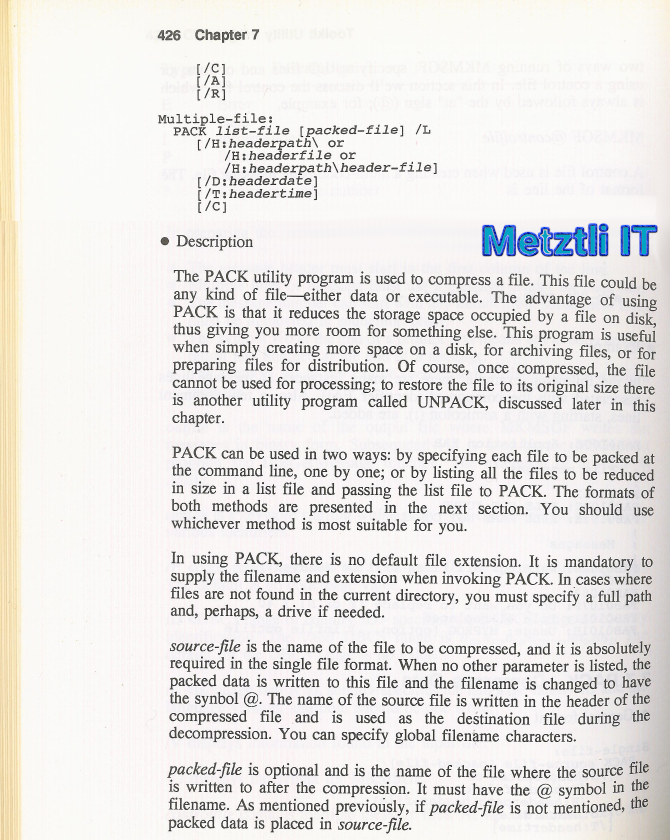
Shell
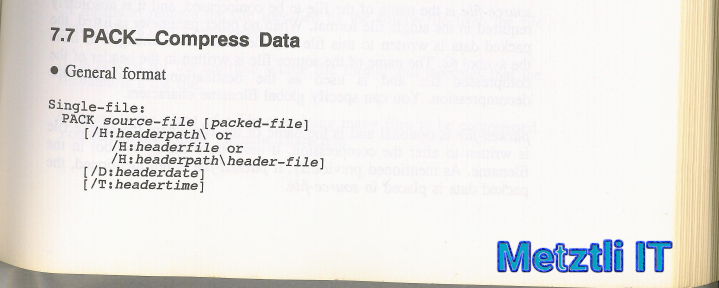
cmd /c "PACK bundle.list bundle /L" |
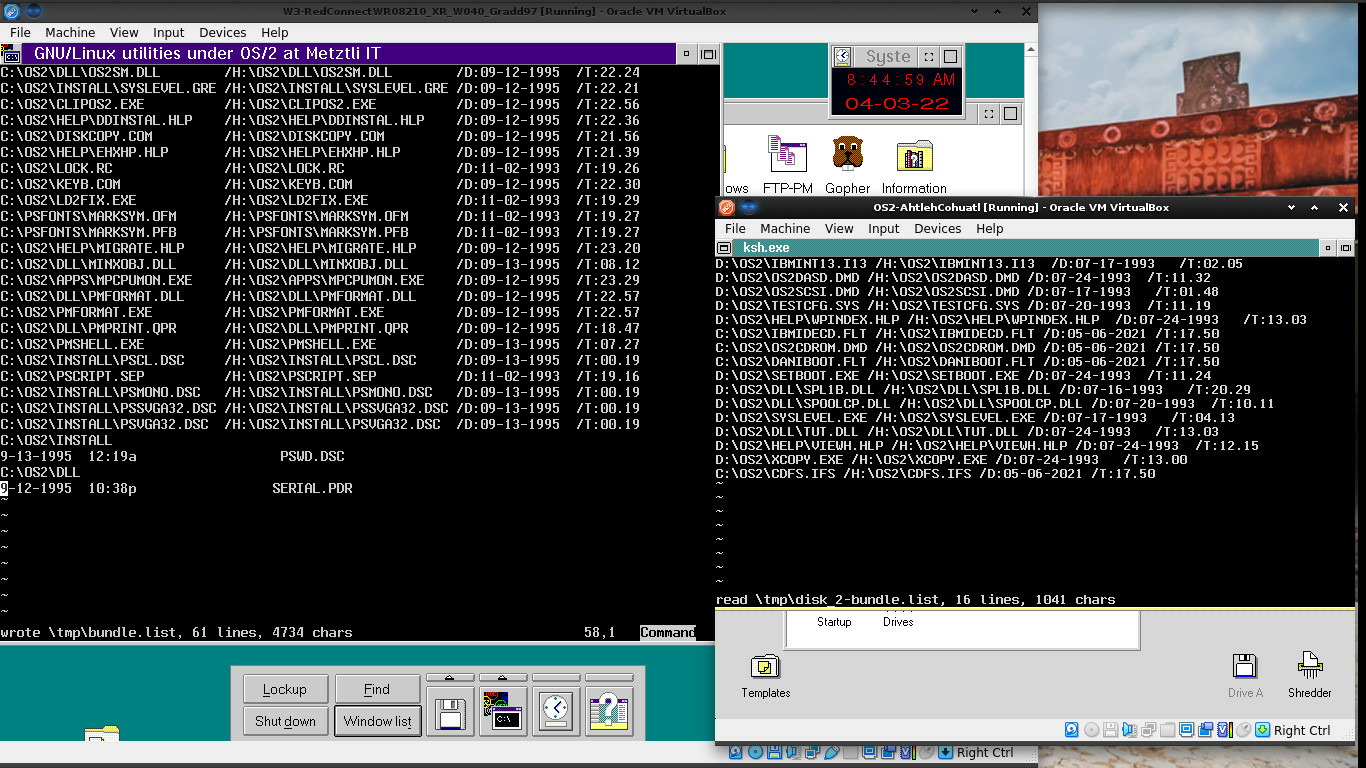
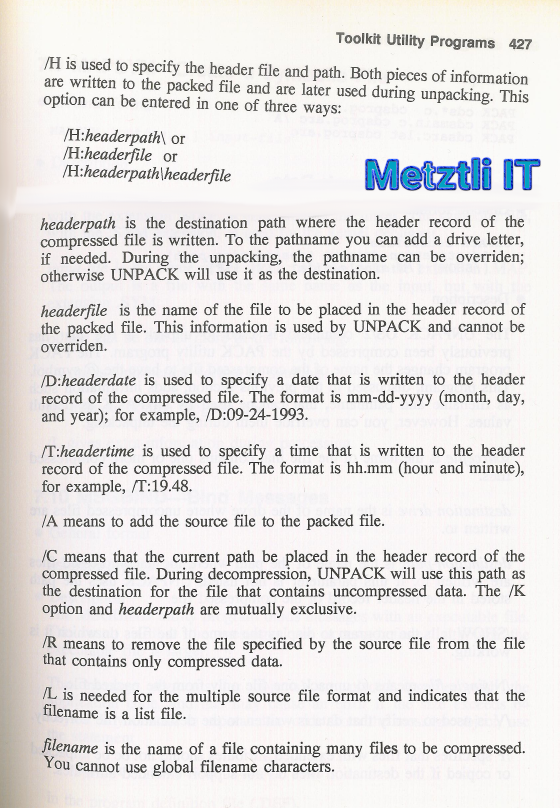
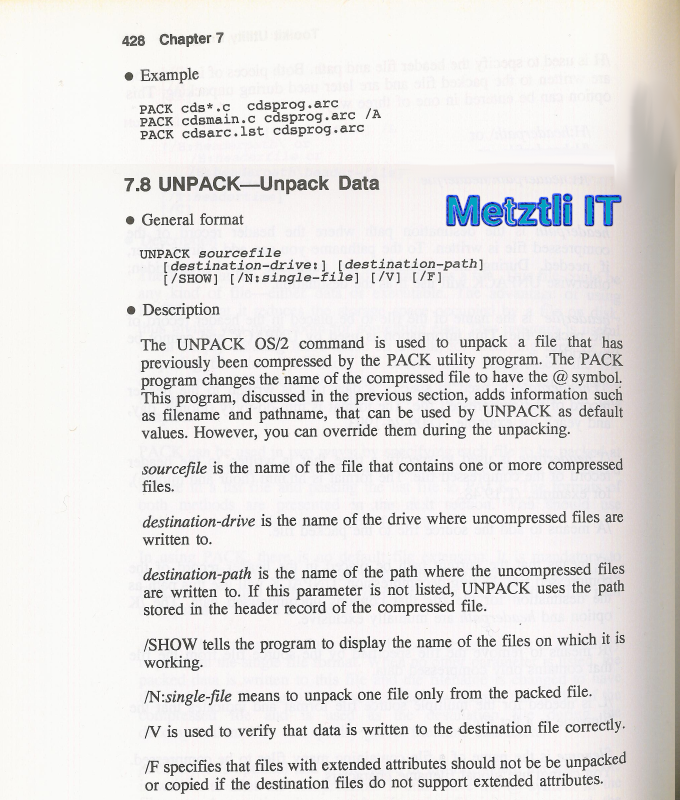
For a more recent specific example, assuming I want to PACK multiple files from a couple of drives, C: and A:, into a tlaquimilloli, i.e., 'bundlle', named as the OS/2 installer routine expects and placed onto a current diskette image existing in the installation CDROM image set, chingas2.amatl is the file list that I would feed to PACK2, the OS/2 compression utility. Incidentally, PACK2 -compressed files occupy less space than those compressed with PACK but need to be decompressed with UNPACK2 utility by the OS/2 installation routine after UNPACK2 is copied over onto the hard disk media, either virtual or physical; yet UNPACK2 is decompressed itself with UNPACK first.
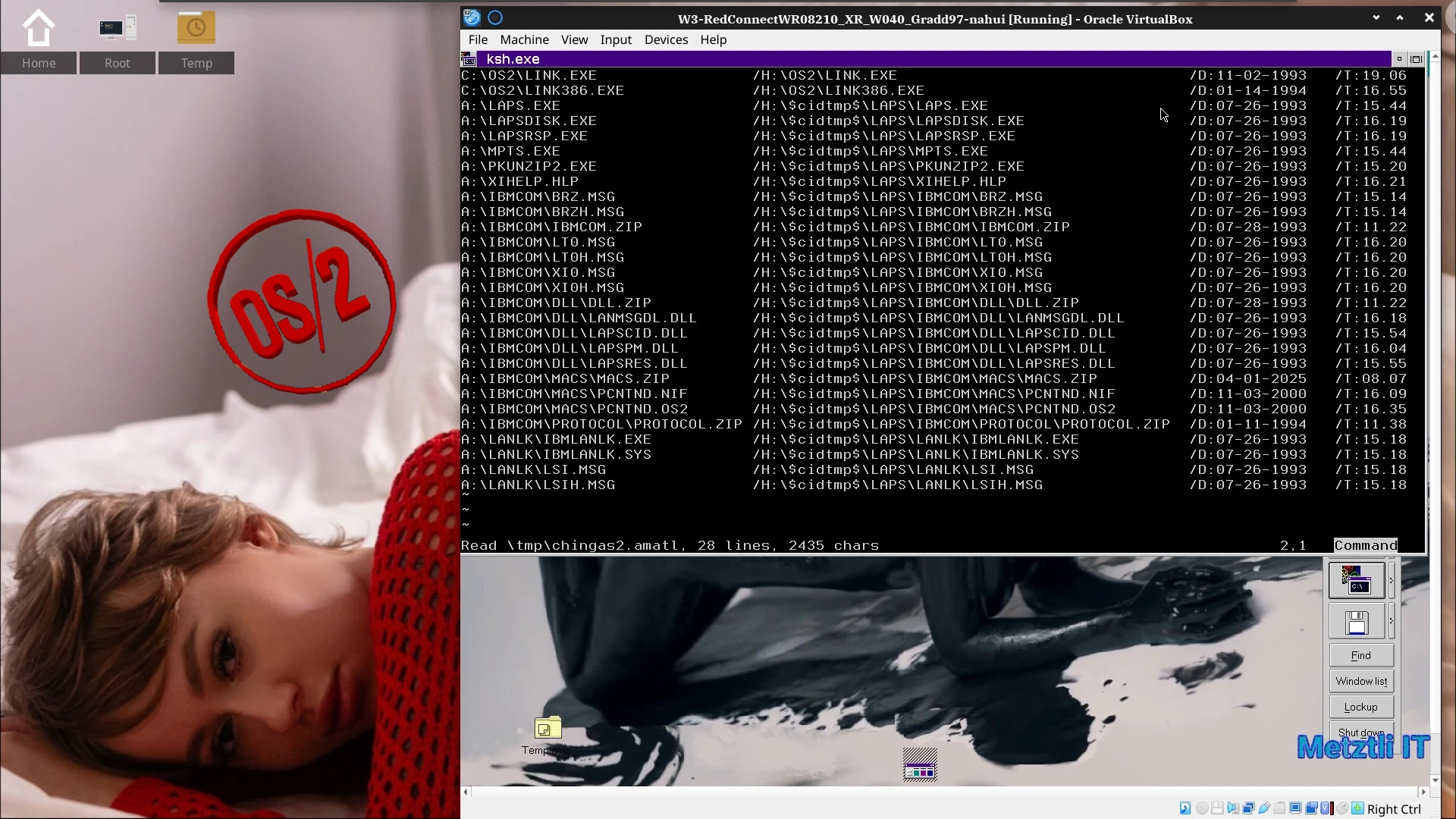
At the final prompt of the OS/2 for SMP v2.11 proprietary installation routine:
OS/2 Setup and Installation is complete.
Remove the diskette from drive A.
Press Enter to restart your system.
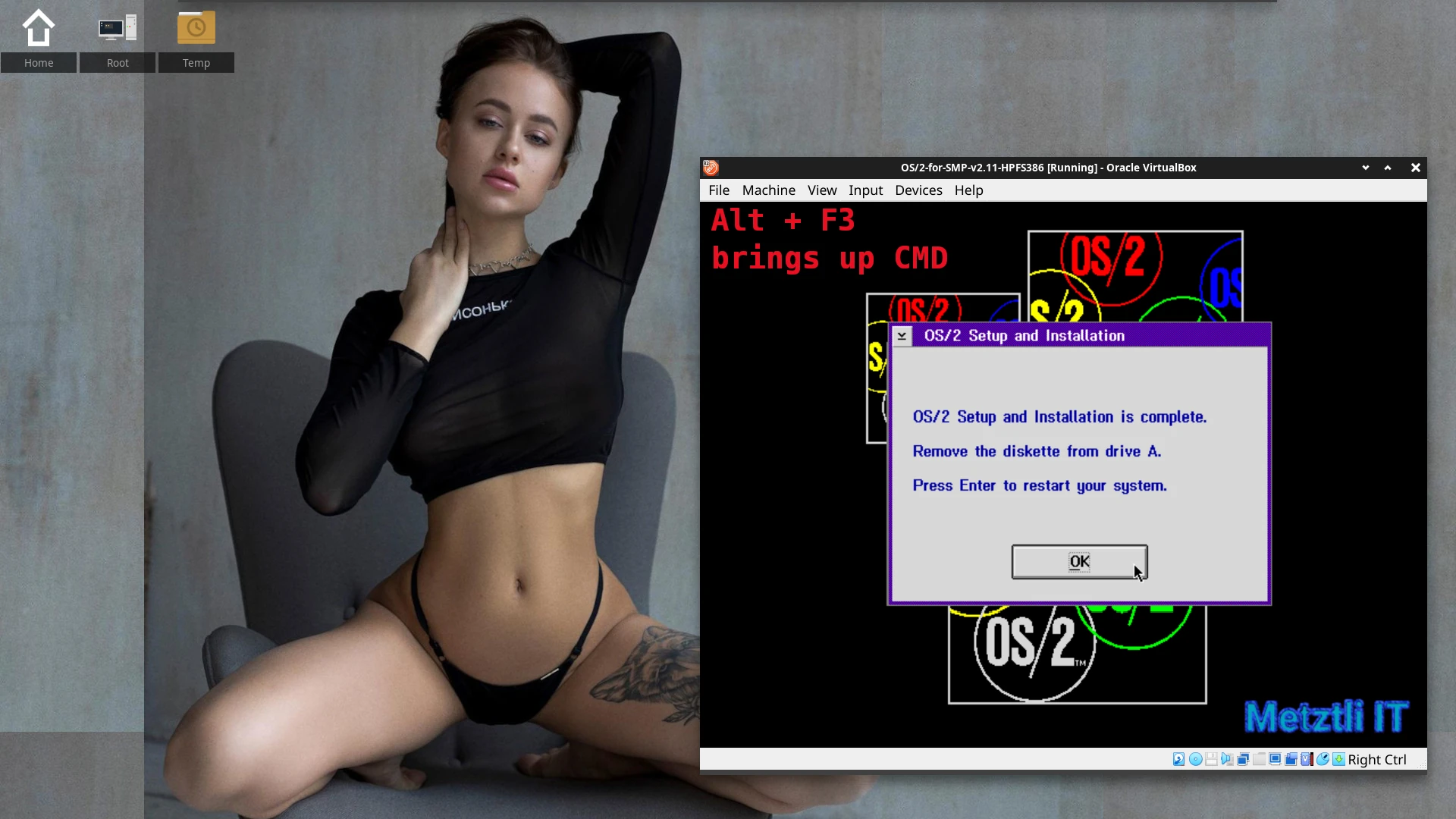
By simultaneously pressing Alt + F3 OS/2 can invoke a CMD command prompt, where we can list the directories and files just installed or decompressed with OS/2's UNPACK2 and there will be our directory hack $cidtmp$ for subsequent LAPS installation when TCP/IP will be installed from the OS/2 for SMP v2.11 ISO image:
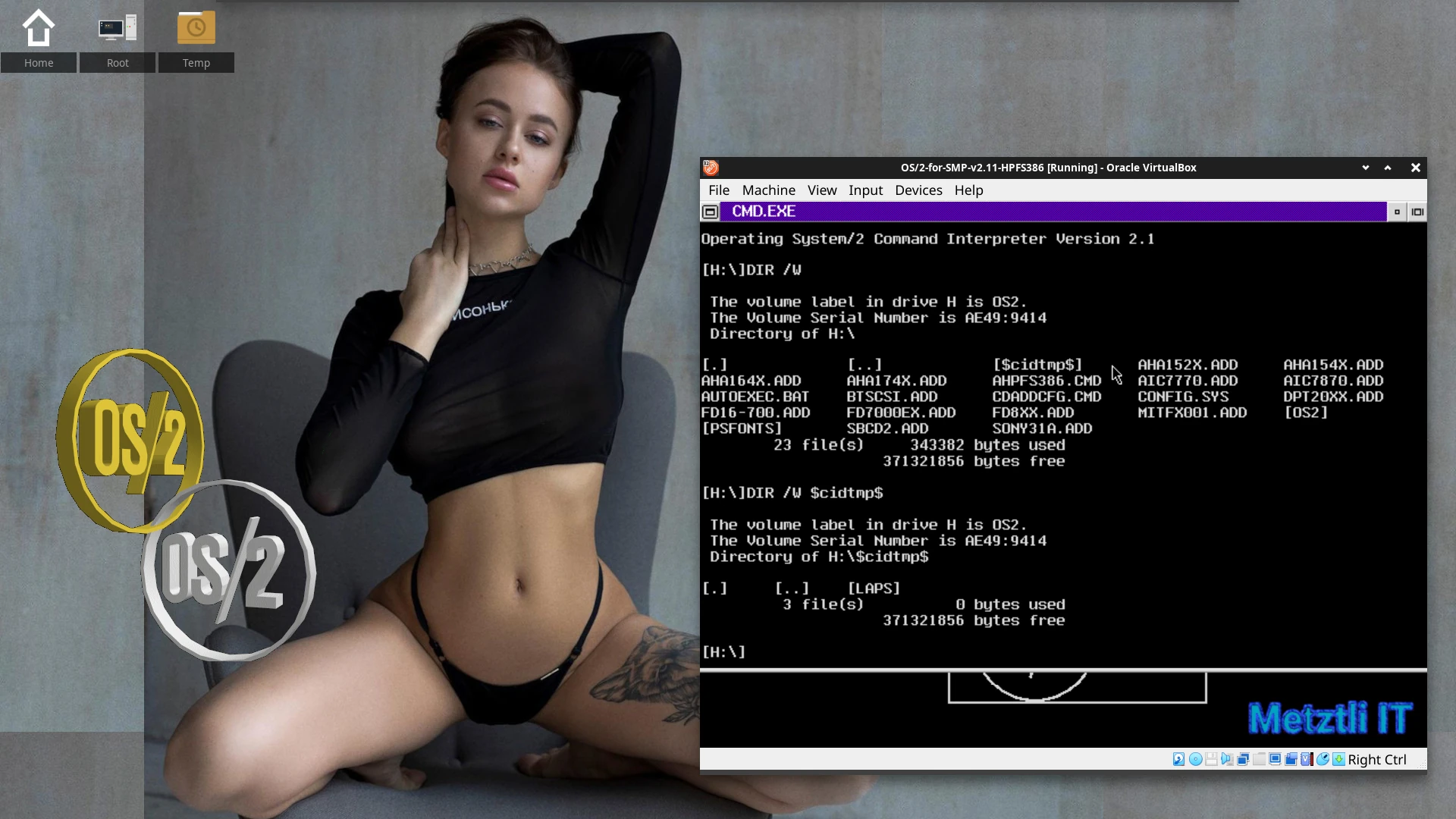
Doing this I dispense with the requirement of a separate virtual floppy image for LAPS in addition to the main OS/2 for SMP v2.11 CDROM ISO image. The hard part was figuring out the relative directory the TCP/IP 2.x proprietary installer utility expected to find LAPS 
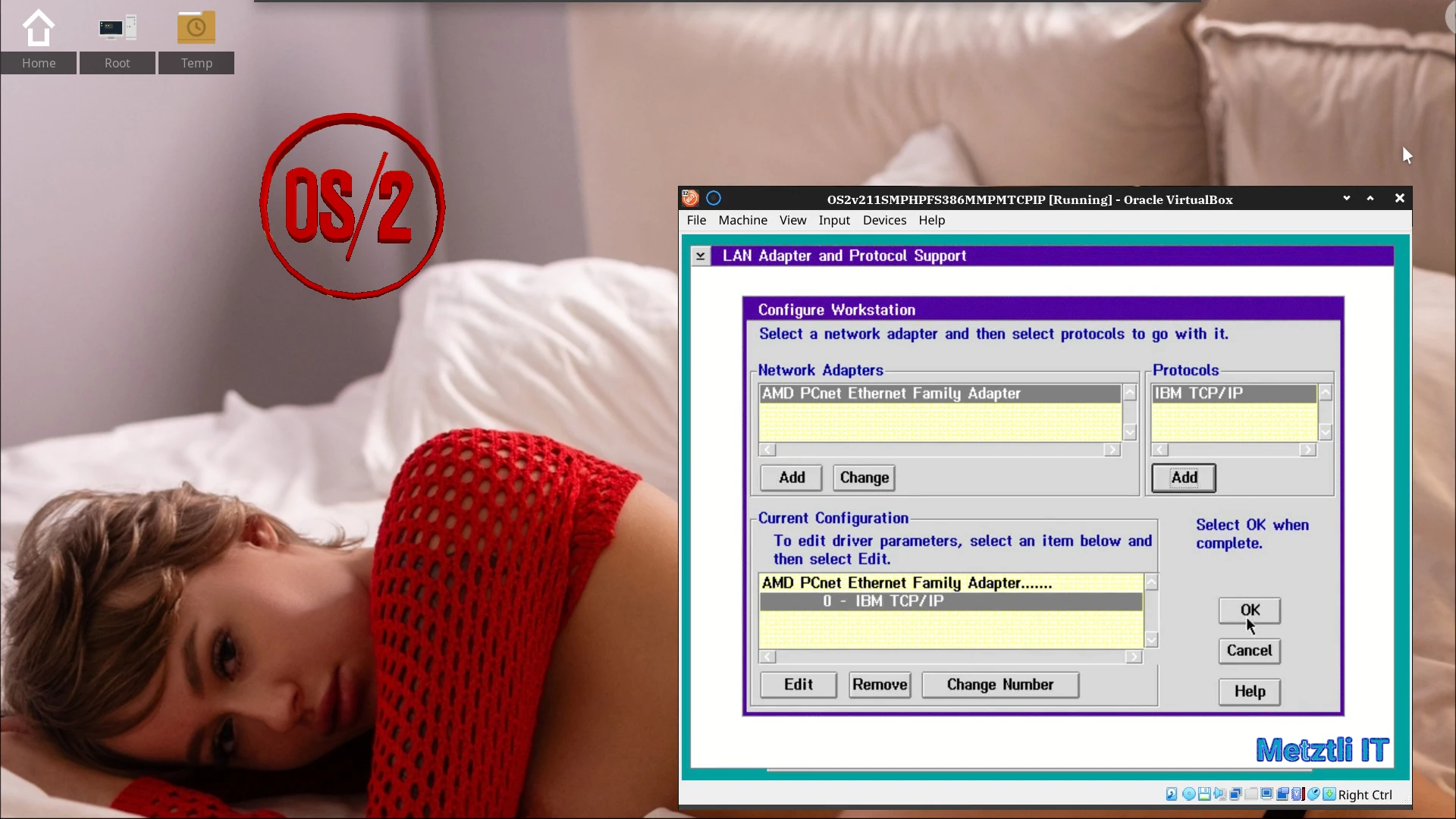
I added PCNTND.NIF and PCNTND.OS2 to my customized LAPS resources (did you see them in the previous snapshot showcasing the file list formatted for PACK2?  ; moreover, that is the default virtual device used in VirtualBox
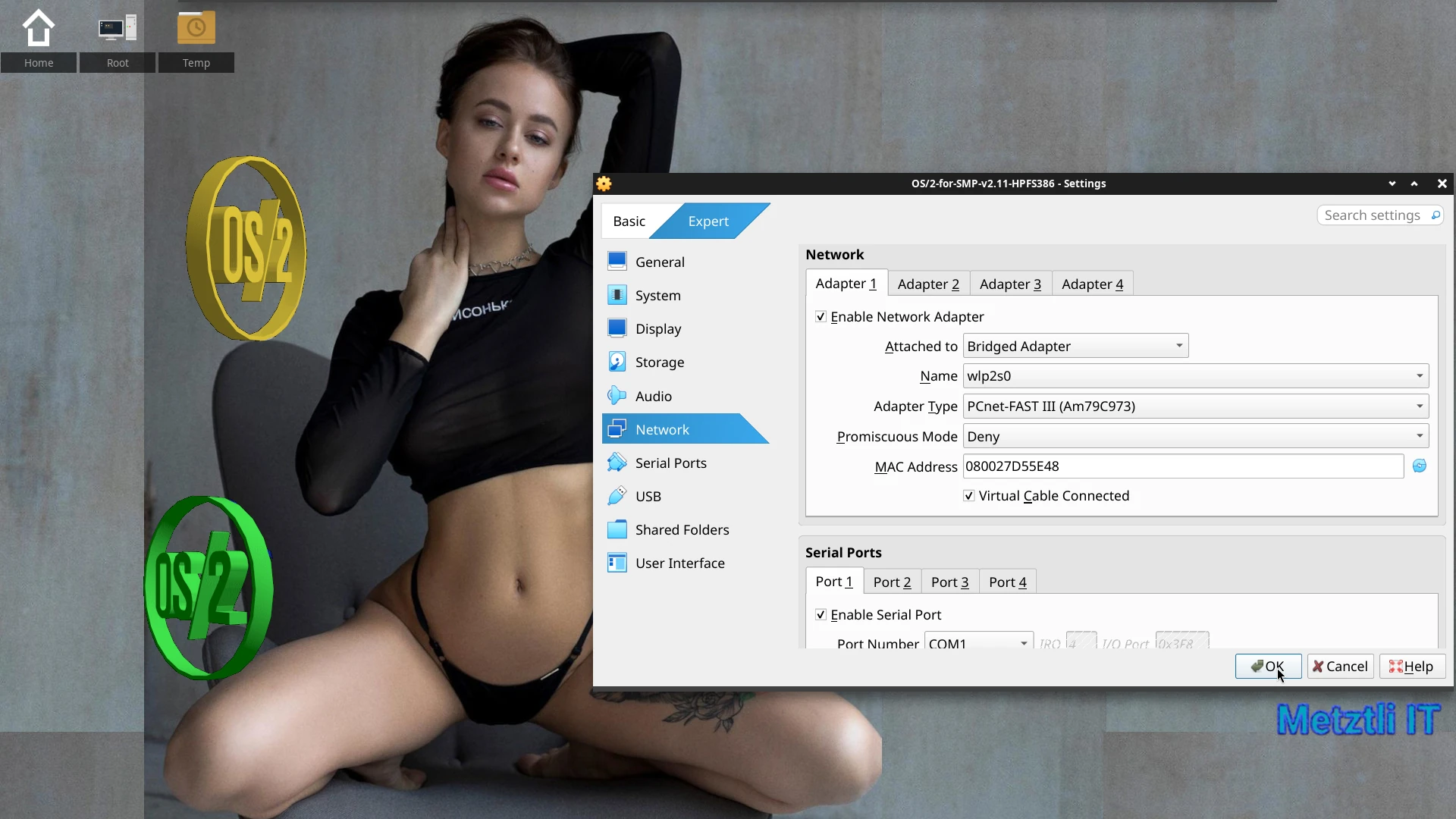
and provides an immediate recognition by the LAPS installer utility under OS/2 for SMP v2.11 if networking is selected in VirtualBox.
As an aside, during my long quest to gather all those components, I found the files of reference uploaded to the Hobbes archive. During that time I used to 'ihicahuaca', i.e., 'tweet', and excitedly posted my finding in a message where I tagged the uploader -- a relatively well known Argentinian fellow. Little did I know that the uploader would use my tweet to request a donation! I obliged, as I could not say no to 'even a small donation will go a long way', I think those were his words. 
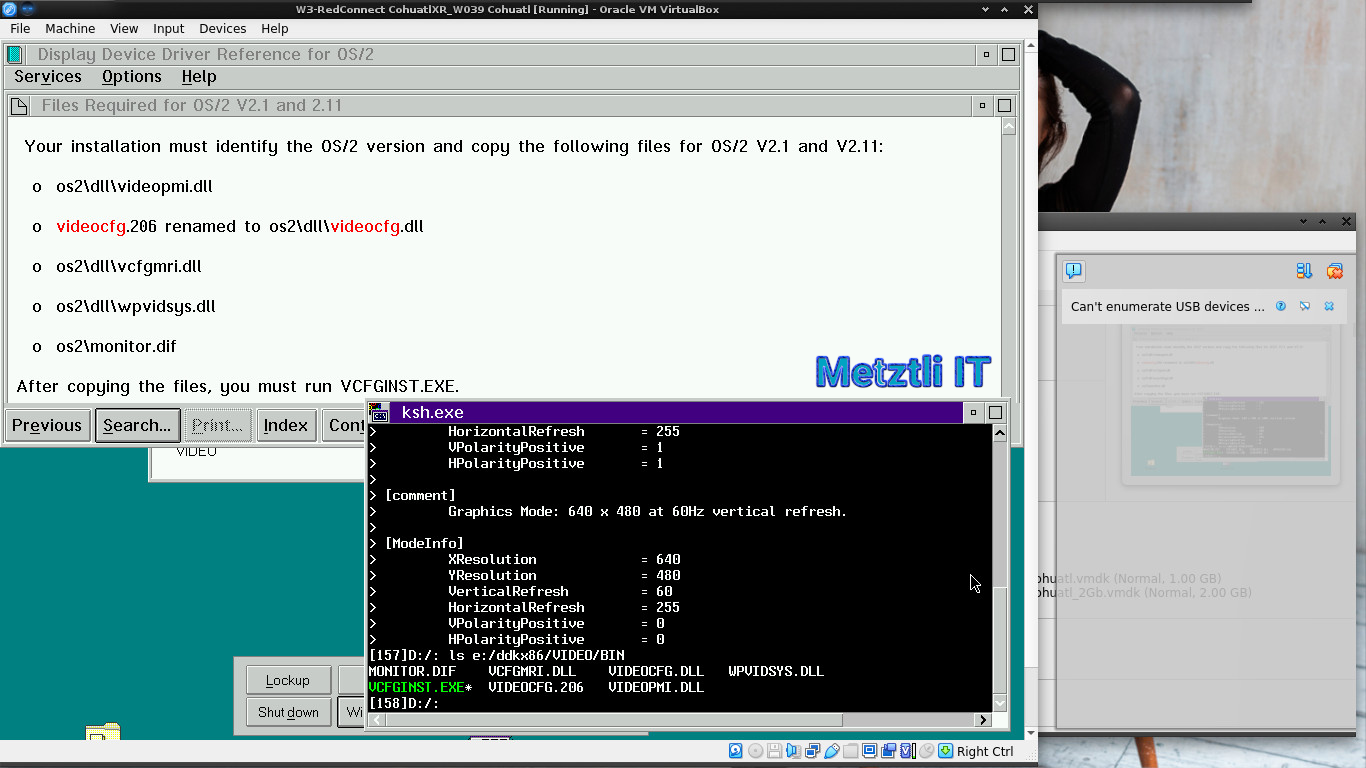
CONVERT FROM 2.1 BASE VIDEO INTO 3.0 BASE VIDEO IN ORDER TO TAKE ADVANTAGE OF THE MONITOR CONFIGURATION FEATURE OF THE 3.0 SYSTEM ICON
- Hint 4)
Display driver reference lists the binary files that compose the base video subsystem and explains the difference in the installation between 3.0 and 2.1. Search for VIDEOCFG to see all references. - i.e.,
MONITOR.DIF
VCFGINST.EXE
VCFGMRI.DLL
VIDEOCFG.206 (To be renamed as VIDEOCFG.DLL when copied over to OS/2 v2.11)
VIDEOCFG.DLL (This is for OS/2 Warp 3)
VIDEOPMI.DLL
WPVIDSYS.DLL
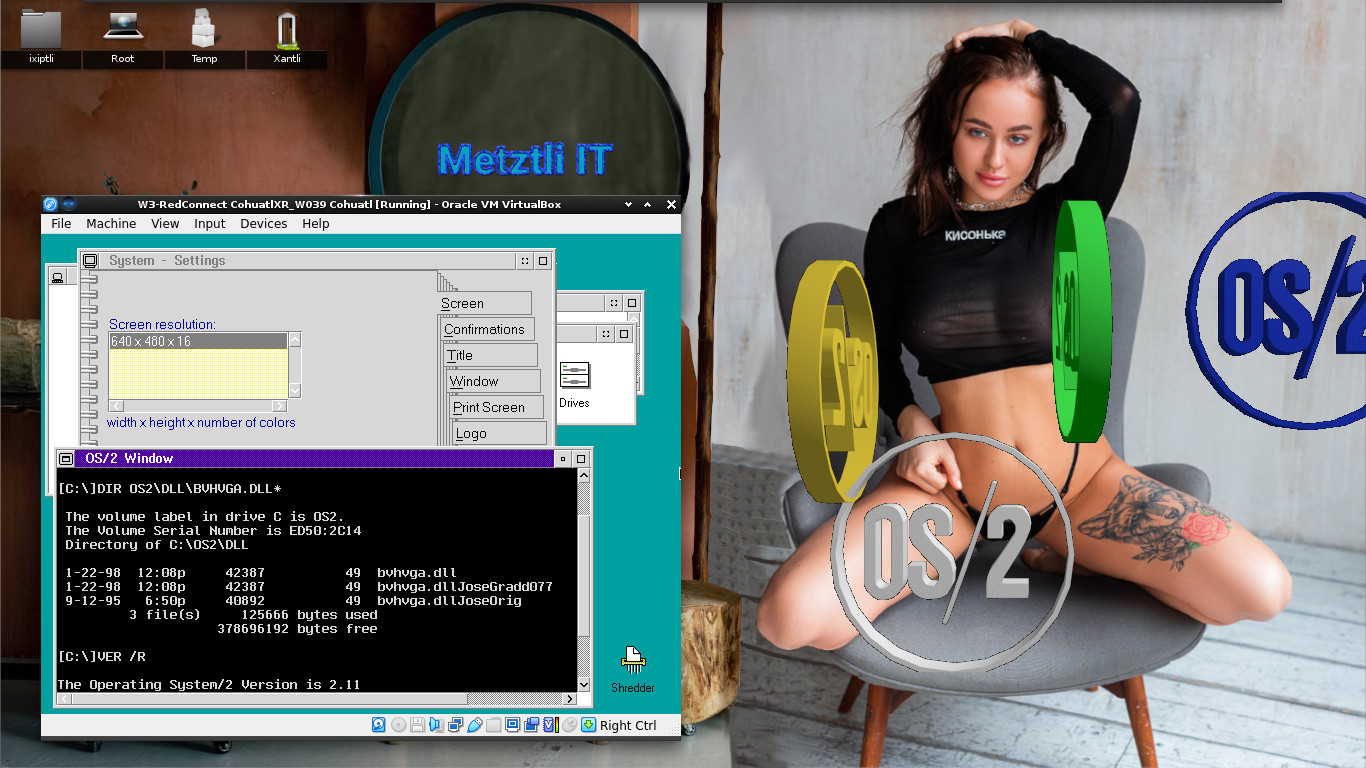
Dual-booting with OS/2 for SMP v2.11 and Warp 3 Connect Uni-Processor.
Caveat: If using a single CPU/CORE, then the CONFIG.SYS FOR OS/2 for SMP v2.11 must have disabled the statement
PSD=OS2APIC.PSD /APIC
i.e.,
REM PSD=OS2APIC.PSD /APIC
else, it will not dual-boot with an OS/2 Uni-Processor in a VirtualBox 7.0.14 (currently being used).
REFERENCES:
Creating bootable CD-ROMs
(work in progress)


Recent comments: